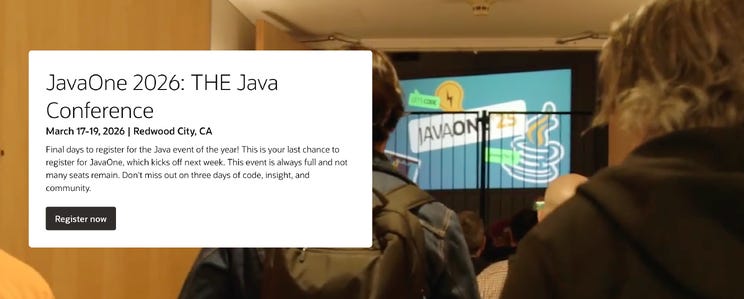
It was supposed to be a quiet week. JavaOne is next week, JDK 26 is looming, and I already had that prepared for vol. 167. But JetBrains apparently didn’t get the memo about pacing, because they dropped two product launches on a Sunday.
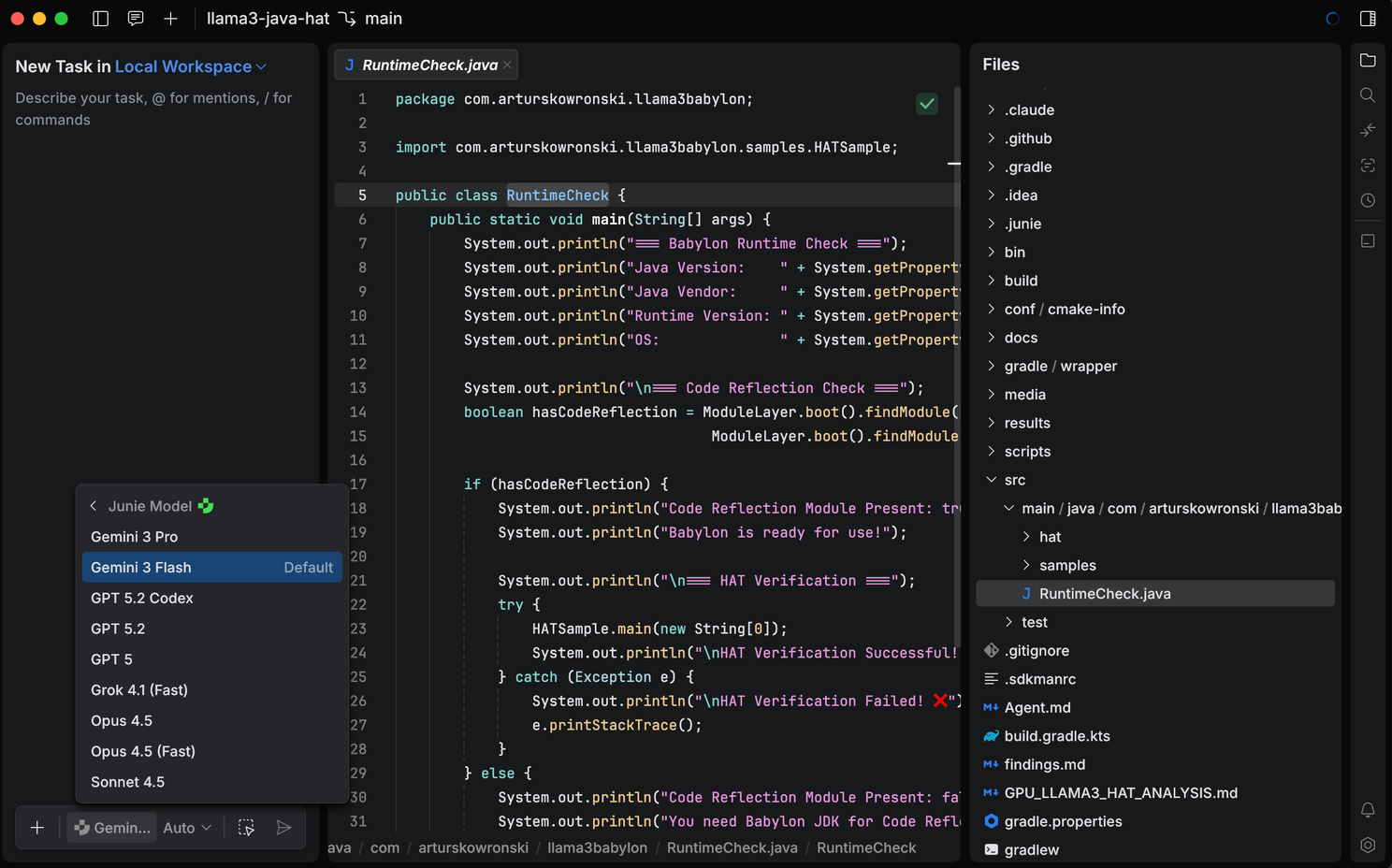
Let me get the biggest thing out of the way first: announced product, Jetbrains Air, is not an IDE in a classic sense. JetBrains is calling it an “Agentic Development Environment” - an ADE, if you will - and the distinction actually matters. Where an IDE adds tools to a code editor, Air builds tools around the agent. Your job isn’t to write code; it’s to define tasks, supervise agents, and review their output. If that sounds like a philosophical shift, that’s because it is.
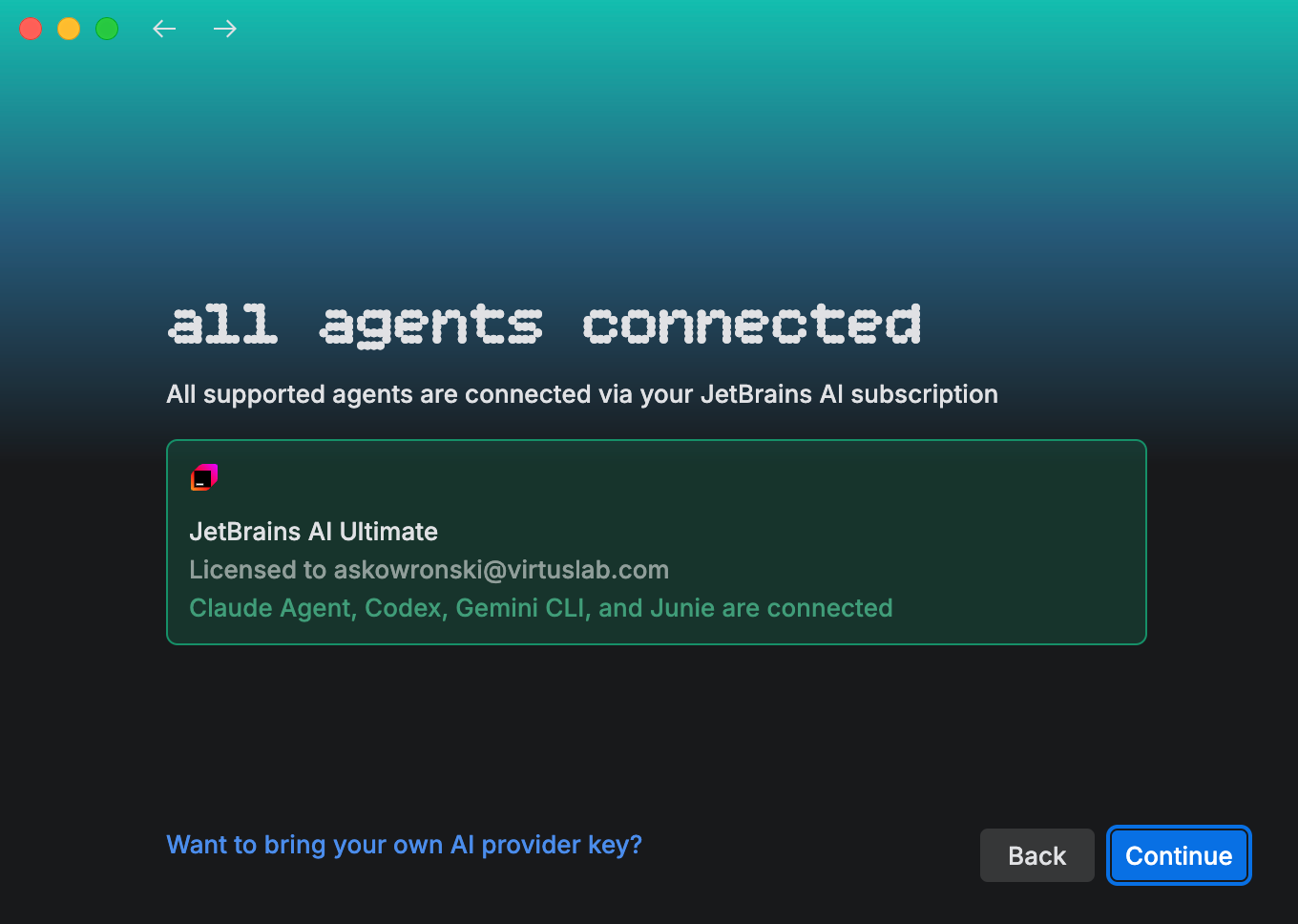
Air launched on March 9th as a public preview, and it supports Codex, Claude Agent, Gemini CLI, and Junie out of the box. It’s built on the Agent Client Protocol (ACP), the open standard JetBrains has been co-developing with Zed since last year (with an ACP Registry already live since January). The idea is simple: implement ACP once, and your agent works in Zed, JetBrains IDEs, Neovim, and anywhere else the protocol reaches. Think LSP, but for AI agents.
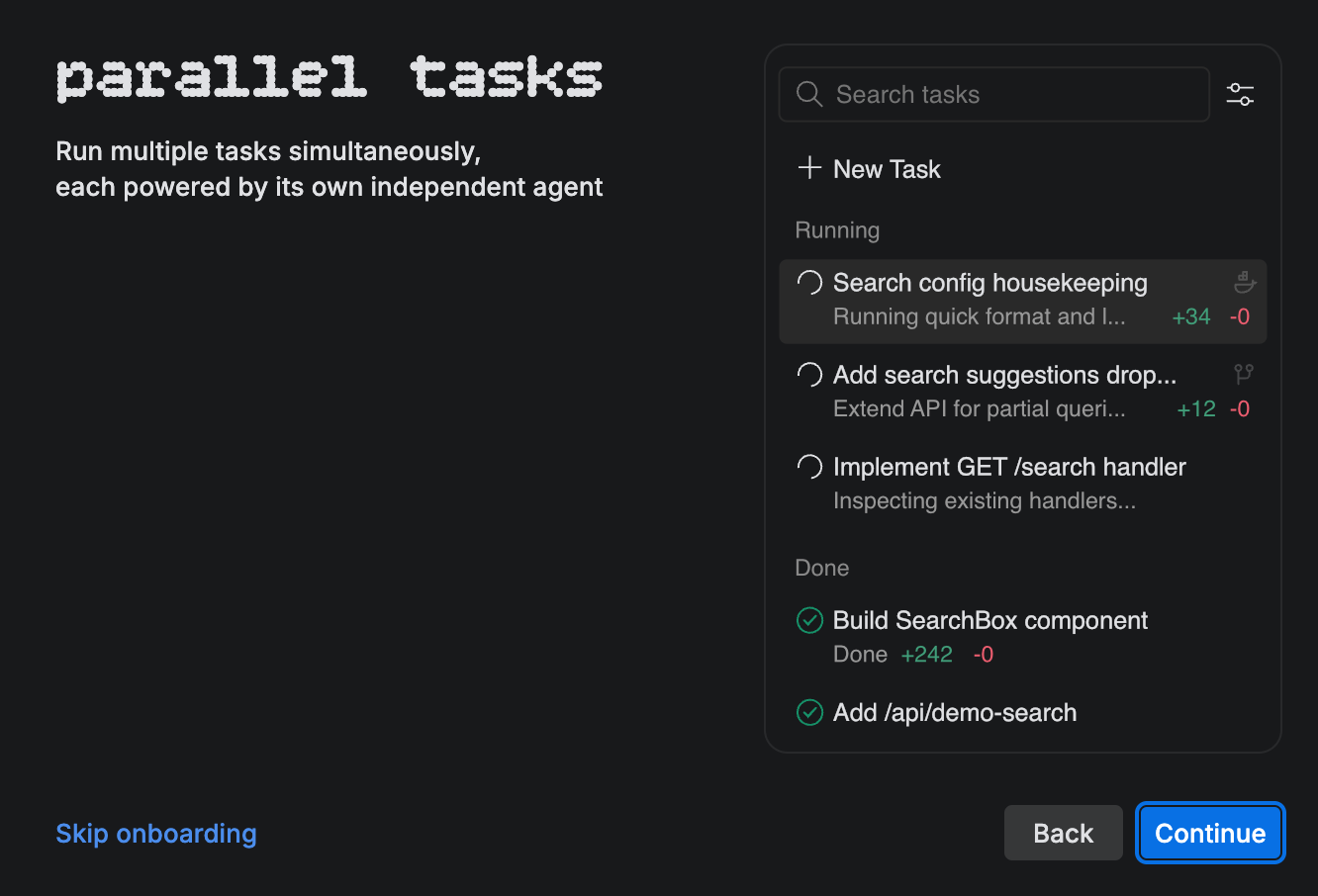
The key concept in Air is a task - you describe what you want done, optionally mentioning specific lines, commits, classes or methods for precise context, and an agent goes off to work on it. You can run multiple agents on different tasks concurrently, each isolated in its own Git worktree or Docker container. When an agent finishes, you review the changes not just as a diff, but in the context of your entire codebase, with a terminal, Git client, and built-in preview right there.
Now, here’s the part that will raise eyebrows for some: Air is built on the Fleet codebase. Yes, that Fleet - the one JetBrains discontinued in December 2025 after four years in preview without ever reaching GA. The architecture is modern (closer to VS Code than IntelliJ in terms of performance), but some of Fleet’s ghosts linger - early users are already reporting the familiar memory footprint issues, and the whole thing is macOS-only for now, with Windows and Linux promised for later.
For the business model: if you have a JetBrains AI Pro or AI Ultimate subscription (included in the All Products Pack), all agents are included. Otherwise, it’s BYOK - bring your own API keys from Anthropic, OpenAI, or Google. Cloud execution (agents running in remote sandboxes) is in tech preview and coming soon.
The strategic positioning is clear. JetBrains is looking at Cursor, Warp Oz, AWS Kiro, Google Antigravity, and the whole wave of AI-native tools and saying: “We’ve been building developer tools for 26 years - we can do this too, but our way.” Whether that’s a strength or a liability depends on whom you ask.
As The Register noted, JetBrains will have a difficult time balancing the needs of their loyal IntelliJ customers - who absolutely do not want to switch to a different product - while trying to establish a new AI-centric environment.
Alongside Air, JetBrains also released Junie CLI in beta - essentially making their coding agent a standalone tool that works from the terminal, inside any IDE, in CI/CD pipelines, and on GitHub/GitLab. It’s LLM-agnostic (supporting models from OpenAI, Anthropic, Google, and Grok), open-source on GitHub, and ships with a BYOK pricing model. There’s even a free week of Gemini 3 Flash to get you started.
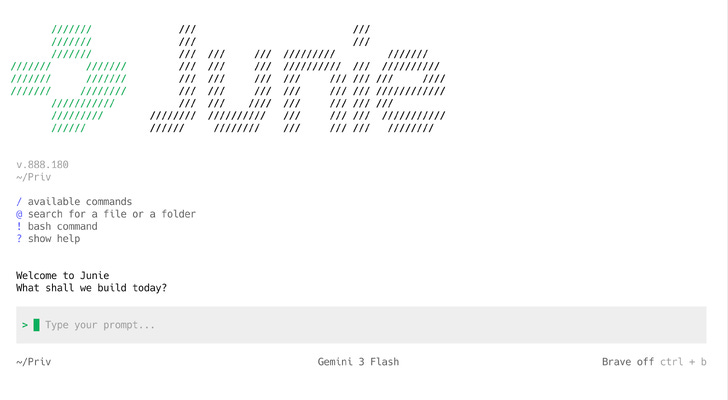
The feature list reads well: one-click migration from Claude Code or Codex, custom subagents, Agent Skills for domain-specific rules, project-level guidelines via .junie/guidelines.md, and a GitHub Action for automated PR handling. Junie CLI positions itself as the “coding buddy” that goes wherever you work.
But here’s the elephant in the room that the community has been pointing out for a while now: JetBrains’ AI product lineup is getting confusing. You’ve got the AI Assistant (the in-IDE chat), Junie (the agent, now in both IDE plugin and CLI forms), Mellum (JetBrains’ own LLM), and now Air (the ADE). As 👋 julien lengrand-lambert 👋 in a bit old, but still valid longer experience post put it well - it feels like learning a bunch of new product names with little differentiation. The pricing page says you kind of get everything with a subscription, but the “when should I use what” story needs serious work.
On the positive side, Junie’s deep integration with JetBrains’ static analysis engine is a genuine differentiator. As one Hacker News commenter noted, an agent with access to the IDE’s own analysis database - navigate into functions, check API docs, validate code without full compilation - has massive potential compared to agents that can only grep and hope.
The biggest open question from the community: will JetBrains support local models (Ollama, Qwen, etc.)? The official answer for now is “no ETA, but it’s an active topic.” For enterprise customers with data sensitivity concerns, this might be a dealbreaker and very nice competitor to Open Code.
And since we’re on the topic of Junie CLI, let me sneak in a personal story that ties rather nicely to the whole “agents are changing developer workflows” narrative. Because last month I went down a rabbit hole that started with “I want to run Claude Code from my iPhone” and ended... somewhere else entirely.

Here’s the context. The fire-and-forget pattern of agentic coding - give an AI a task, let it work, check in periodically - fundamentally changes what you need from a terminal. You don’t need to write code on your phone. You need to supervise it. Peek at progress while your daughter refuses to fall asleep unless you’re sitting next to her bed (yes, my five-year-old has strong opinions about bedtime protocol 🤷). Confirm a decision from a train somewhere around Miechów. Glance at a build from the couch. That kind of thing.
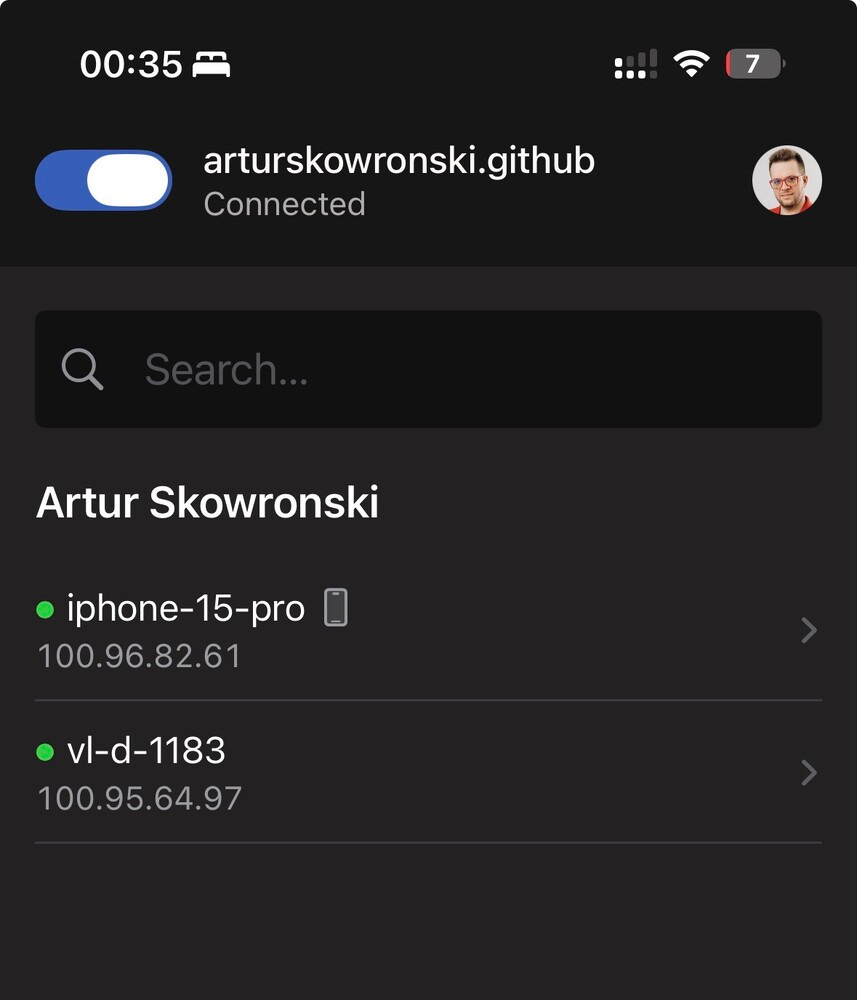
So I built a stack: Tailscale for mesh VPN (every device gets a private 100.x.x.x IP, zero port forwarding, just works - if more technology was this invisible, half of DevOps would need new hobbies), Mosh (Mobile Shell from MIT) instead of SSH for connection resilience (UDP-based, survives network switches, local echo for instant keystroke feedback - research shows 0.33s response at 29% packet loss vs 16.8s for SSH, which is a 50x difference), tmux for persistent sessions, and Terminus on iOS as the client.
Beautiful theory. Then I launched Claude Code inside that stack and the screen turned into the Matrix after a panic attack.
The issue is fundamental: Claude Code’s TUI uses complex ANSI escape sequences - syntax coloring, box drawing, spinner animations, multi-region screen updates. Mosh synchronizes snapshots of visible terminal state, not the full byte stream. These two approaches simply don’t get along. I tried everything - Ctrl+l redraws (temporary fix), --output-format stream-json (works but you lose the TUI), tmux with screen-256color and escape-time 10 (marginal improvement). Pure SSH fixes the rendering but kills the connection resilience - which was the whole point.
And here’s where the plot twist happens that anyone who’s worked with technology knows well: sometimes it’s better to change the problem than to keep looking for a solution.
Junie CLI has a much simpler terminal interface. Less ANSI fanfare, less UI complexity - but what you need, works. Through Mosh, through tmux, from a phone. No artifacts, no garbled screens. The final workflow: ssh from phone triggers an auto-attach script that detects existing junie-* sessions, shows a picker menu, and either joins an existing session or creates a new one with a timestamp name. Detach with Ctrl+b d, close the laptop, attach an hour later from the phone - agent’s still working, output waiting in the session. Exactly the fire-and-forget I was after.
Is it an optimal setup? Probably not. Does it work? Yes. And in our industry, that’s sometimes the only metric that counts. And you do not need to pay for Claude Code Max 😁
(PS within a PS: The whole adventure of debugging Mosh + Claude Code took longer than the actual coding I wanted to do from my phone. Classic developer move — spending hours automating something you could do manually in five minutes. But at least I have notes for next time. And an article.)
Let’s shift gears entirely. While the AI tooling world is busy arguing about which agent is better at writing your code, there’s a project that’s been quietly enabling Java to run on the hardware that powers all those AI models. TornadoVM 3.0 landed in late February, and while it’s not a flashy launch, it’s a significant milestone for an important project.
For those not yet familiar (and I realize I’ve been writing about TornadoVM in this newsletter since... well, a while), here’s the pitch: TornadoVM is a plugin for OpenJDK that allows Java programs to be automatically offloaded to GPUs, FPGAs, and multi-core CPUs. It compiles Java bytecode at runtime - acting as a JIT compiler - to one of three backends: OpenCL C, NVIDIA CUDA PTX, and SPIR-V. The project comes from the Beehive Lab at the University of Manchester, and it supports hardware from NVIDIA, Intel, AMD, ARM, and even RISC-V.
The 3.0 release itself is primarily a maintenance milestone - bug fixes, dependency upgrades, a refactor of IntelliJ project generation, and a split of JDK 21/JDK 25 testing pipelines. Not headline material on its own. But what makes TornadoVM worth watching right now is the trajectory, not just the release.
Consider what’s been happening: version 2.0 (December 2025) brought GPU-native INT8 types for PTX and OpenCL, zero-copy native array types, FP32 to FP16 conversion across all backends, and (crucially) GPULlama3.java - a Java-native implementation of Llama 3 inference that compiles and runs on GPUs. Version 2.2 shipped just weeks later with further optimizations. And on the roadmap, there’s an open issue for CUDA Graphs support - which would allow TornadoVM’s TaskGraphs to be captured and replayed with minimal CPU overhead, a natural fit for iterative workloads like ML inference and physics simulations.
The reason I’m filing TornadoVM under “loosely related to AI” is that the project sits at a fascinating intersection. Java enterprises - banks, insurers, logistics companies - have decades of investment in the JVM. AI inference requires GPU compute. Today, that usually means crossing a language boundary to Python or C++. TornadoVM (along with Project Babylon/HAT, which I’ll write more about when JDK 26 drops) sketches a path where Java applications can stay in Java all the way down to the GPU kernel.
TornadoVM offers two APIs for expressing parallelism: a Loop Parallel API using @Parallel and @Reduce annotations (ideal for non-GPU-experts), and a Kernel API via KernelContext that gives you explicit thread IDs, local memory, and barriers - essentially CUDA/OpenCL-style programming in pure Java. Both can be combined in a single TaskGraph. It’s not going to replace PyTorch or CUDA in raw performance benchmarks any time soon, but for Java shops that want to offload compute-intensive workloads to GPU hardware without learning a new language stack, there’s genuinely nothing else like it in the ecosystem.
And yes, this is related to the AI tooling story. Because if we’re going to have a conversation about “Java in the age of AI”, it’s not just about which agent writes your Java code fastest. It’s about whether Java can be the language that runs the AI workload too. TornadoVM is one of the strongest arguments that it can.
PS: Next week is JavaOne, and I’ve already reserved vol. 167 for JDK 26 coverage - there’s going to be a lot to unpack.